
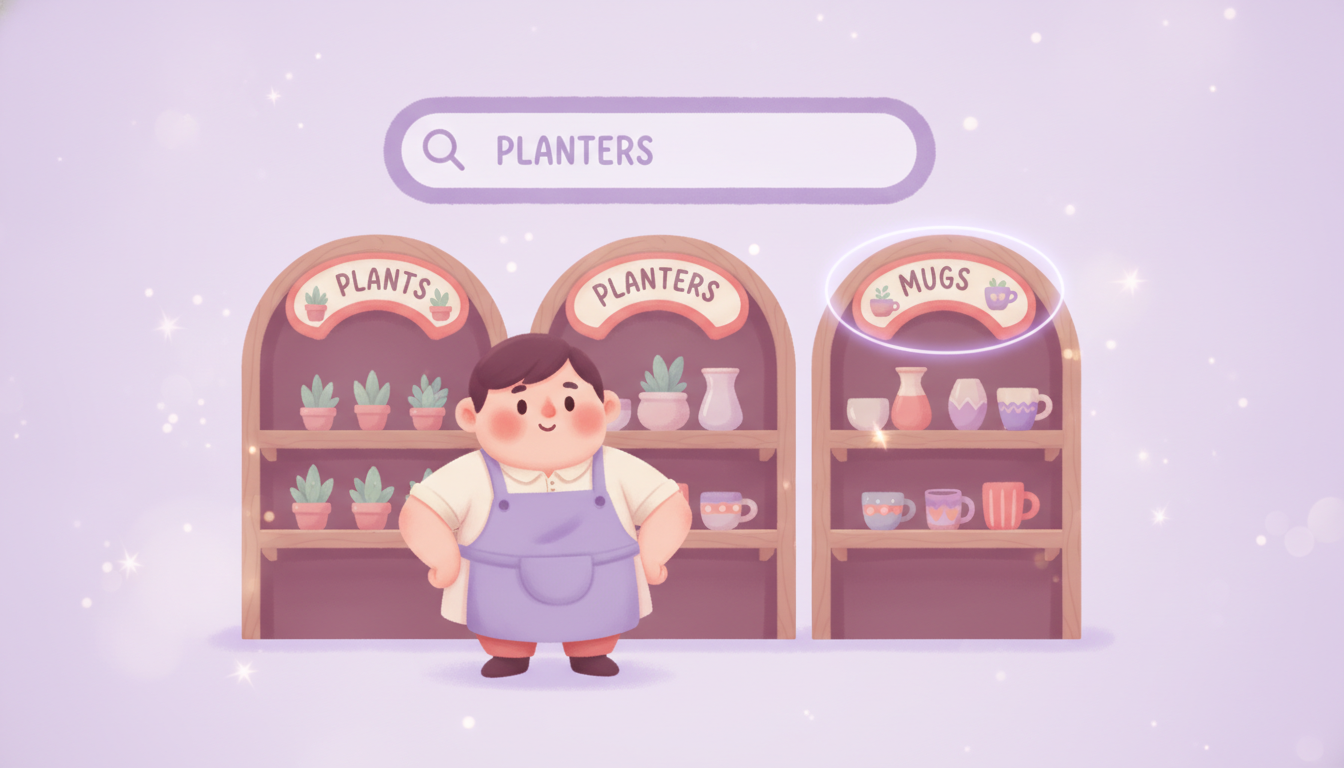
The page you’ve spent the least time on is the one shoppers are most likely to search for. Here’s why your Shopify collection pages are the most overlooked ranking asset in your store — and what changes when you treat them as landing pages, not doorways.
Maya runs a small homeware store. She’s poured hours into her product pages — good photos, careful descriptions, the right tags. Her homepage looks great. But her collection pages? There’s one called “Planters” with a grid of products, no description, a heading that just says Planters, and a URL Shopify auto-generated two years ago. She’s never touched it, because in her head it’s just a menu item — a doorway people pass through on the way to a product.
Here’s the problem with that: when someone opens Google and types “ceramic planters for indoor plants,” they’re describing a collection, not one specific pot. The page best positioned to rank for that search isn’t a product page. It’s the collection page Maya has been ignoring.
This post is about why that’s a mistake — why your collection pages are the most overlooked ranking asset in your store, and what changes when you treat them as landing pages instead of doorways. (When you’re ready for the exact step-by-step, we’ve got a separate checklist for that.)
Why collection pages matter more than you think
The bottom line: people search in categories, and your collection page is how your store answers a category search.
Think about how you search when you don’t already know the brand you want. You type “men’s waterproof hiking jackets,” not a specific product name. That’s how most shopping searches work — they’re broad, non-branded, and category-shaped.
— Digital Commerce Partners, 2025–2026 case studies
Those non-branded, category-shaped searches are exactly what a well-built collection page is designed to catch. A product page can only ever rank for one product. A collection page can rank for the term a whole group of shoppers is typing — the higher-intent, higher-volume search that sits one step earlier in the buying journey. That’s why it’s the highest-leverage SEO real estate in your store, and why leaving it blank is leaving money on the table.
The fast way and the slow way
The bottom line: you can do all of this by hand, or you can let an app carry the repetitive parts.
Let’s be upfront about the shortcut. If you’ve got around $30/month for it, Plug In SEO automates the slow, repetitive parts of collection page SEO. Its Keyword Studio surfaces related keywords for each collection, so you’re writing titles and descriptions around terms people actually search instead of guessing. You can set meta title and description templates once and apply them across collections, rather than editing every page one at a time. And it flags the broken links that snap when you rename a collection and its URL changes — something that happens more often than you’d expect.
If you’d rather do it yourself, that’s completely doable. The rest of this post is about why each piece matters — it’s just a question of how much of it you want to type by hand.
Tired of editing collection pages one at a time? Plug In SEO handles keyword research, meta templates, and broken-link checks across your whole store.
What a neglected collection page looks like
The bottom line: most collection pages are empty, and that emptiness is invisible to Google.
Picture Maya’s “Planters” page again. The whole page is just a grid of products. There’s no introduction, no description, nothing that tells Google — or a shopper — what this collection is, who it’s for, or why it’s worth browsing. The heading is the default. The URL is whatever Shopify generated. To a search engine, that page is nearly silent: there are no words to match against a search, so there’s almost nothing to rank.
- Heading just says “Planters”
- No collection description at all
- Auto-generated URL nobody chose
- No internal links pointing to it
- Google has nothing to rank
- Title: “Indoor Ceramic Planters”
- A real description with the terms shoppers use
- Clean, stable, keyword-relevant URL
- Linked from the menu and related posts
- Ranks for the whole category search
And here’s the mistake I see most often, the one worth naming directly: design-first thinking. Merchants tell me they don’t want to add a collection description or a proper title because it “doesn’t fit the theme” or “it’s already in the menu.” A clean, good-looking store matters — UX is real, and you shouldn’t wreck it. But you don’t have to choose between looking good and being found. A collection description can sit quietly below the product grid. A clear title can match your design. Stripping out the SEO to keep things tidy just makes the page beautiful and invisible.
What fixing one actually involves
The bottom line: it’s a handful of small additions, none of which need a developer.
You don’t have to overhaul anything. Turning a silent collection page into one that can rank comes down to a short list:
- A real collection description written around the keywords people search
- A clear meta title and description for the Google snippet
- A collection title that matches the search term, not an internal label
- A clean, stable URL handle (with a redirect if you ever rename it)
- A few internal links pointing to the collection
- Alt text on the collection’s images
That’s the whole job. Each one is quick on its own — the work is just doing it across your top collections. We’ve put the exact how-to for every step into a separate, step-by-step checklist, so this post can stay focused on the why:
→ The step-by-step: Shopify Collection Page SEO Best Practices: The Complete Checklist
What changes when you fix it
The bottom line: optimized collection pages start catching the category searches your product pages never could.
Once Maya writes a real description for “Indoor Ceramic Planters,” fixes the title, and cleans up the URL, the page finally has something for Google to read. Over the following weeks it starts surfacing for searches like “ceramic planters for indoor plants” — searches that used to scroll right past her store.
That’s the shift: instead of hoping one product page gets lucky, her store now answers the broad, high-intent searches that sit at the top of the funnel. The traffic is steadier, more qualified, and it compounds — every collection you fix is another door that’s actually open. You don’t need to do all of them this weekend. Start with your three or four most important collections — the ones that map to how people search for what you sell — and work down from there.
FAQ: Shopify collection page SEO
How do I optimize Shopify collection pages for SEO?
Add a real collection description with relevant keywords, set a clear meta title and description, make sure the collection title (the H1) matches what people search, keep the URL handle short and relevant, link to the collection internally, and add alt text to its images. Start with your most important collections first.
Collection page vs. product page — which is better for SEO?
They do different jobs. Collection pages target broad, category-style searches (“leather work boots”), while product pages target specific, often branded ones. Because most shopping searches are broad and non-branded, collection pages usually have the higher traffic ceiling — but a healthy store optimizes both.
Where do I edit SEO on a collection page in Shopify?
In your Shopify admin, go to Products → Collections, open the collection, and you’ll find the description field near the top and a “Search engine listing” section at the bottom for the meta title, meta description, and URL handle. An app like Plug In SEO lets you manage these across many collections at once instead of one by one.
What happens to my SEO when I rename a collection?
Renaming a collection often changes its URL, which breaks any existing links pointing to the old address and can cost you rankings. Set up a redirect from the old URL to the new one (Shopify supports this under Online Store → Navigation → URL Redirects), and check for broken links afterward so nothing’s left pointing into a dead end.
Fix your top collections first
Your collection pages are the pages your shoppers are searching for — and for most stores, they’re sitting empty. You don’t need a redesign or a developer. You need a description, a sharp title, a clean URL, and a few internal links. If you’d rather not do it page by page, Plug In SEO handles the keyword research, meta templates, and broken-link checks for you — so you can fix every collection in your store without typing each one by hand.